


Wix Harmony

Leah Goldberg
About the brand
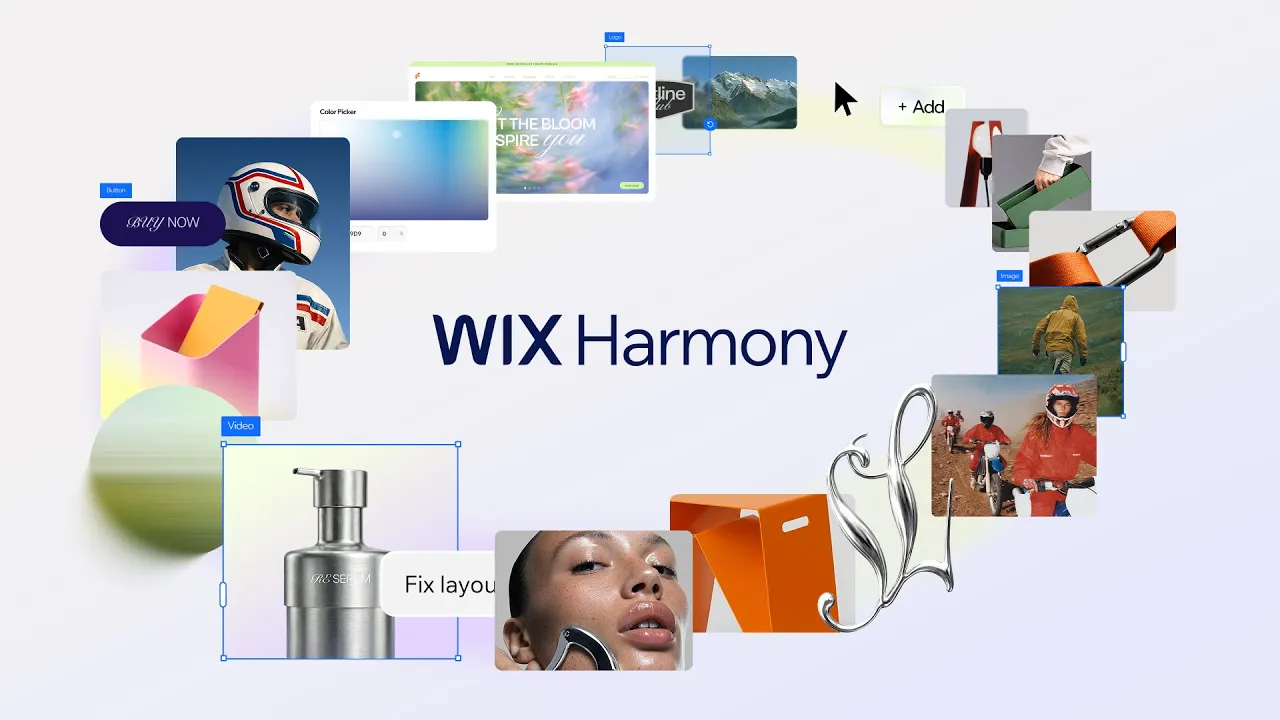
Wix Harmony represents the next evolution of the massive Wix ecosystem. While Wix made its name with “drag-and-drop” simplicity, Harmony introduces a new paradigm: “Vibe Coding.” This AI-first platform allows users to build complex, professional websites simply by describing their vision in natural language. Powered by the intelligent Aria AI agent, Wix Harmony is designed to bridge the gap between instant AI generation and professional customization. ...Unlike other AI builders that generate static, unchangeable templates, Harmony operates on a hybrid model. It combines the speed of generative AI with the granular control of Wix’s mature visual editor. Backed by Wix’s enterprise-grade infrastructure—powering over 250 million users worldwide—Harmony aims to democratize high-end web design, making it accessible to solopreneurs and creators who need agency-quality results in minutes, not weeks. Read more
Price
Ease of use
Features
Service
Overall
Pros
-
 Hybrid editing combines AI chat with manual control.
-
Generates professional, responsive sites in minutes.
-
Includes secure hosting and analytics by default.
-
Custom designs avoid the generic "AI look".
Cons
-
 Payments require the mid-tier "Core" plan.
-
Feature volume can overwhelm simple users.
In-depth review
Customer Service
Wix Harmony benefits from one of the most established support ecosystems in the industry. The standout feature for this new version is the Aria AI agent integrated directly into the editor; unlike a standard chatbot, Aria can answer context-aware questions about your specific site build while you work.
For human assistance, Wix utilizes a “Request a Callback” system rather than a traditional hotline. This eliminates hold times entirely—you simply log a request, and a support agent calls you back, usually within minutes. While priority support is reserved for “Business Elite” plans, the standard 24/7 callback and chat services are reliable and included with all paid subscriptions. Additionally, the Wix Help Center has been updated with extensive video tutorials specifically for the new “Vibe Coding” workflow.

Phone Support
Callback request system (no hold times); available 24/7 in English.

Live Online Chat
24/7 live chat, triaged by Aria AI with quick human escalation.

Ticket-based system available for non-urgent, complex technical queries.
Leah Goldberg
We make the best effort to present up-to-date information; however, the terms of each offer can be revised according to the service provider’s discretion. The above shall not be considered as an expert or professional advice for any matter.
Price
Ease of use
Features
Service
Overall

Thank you!